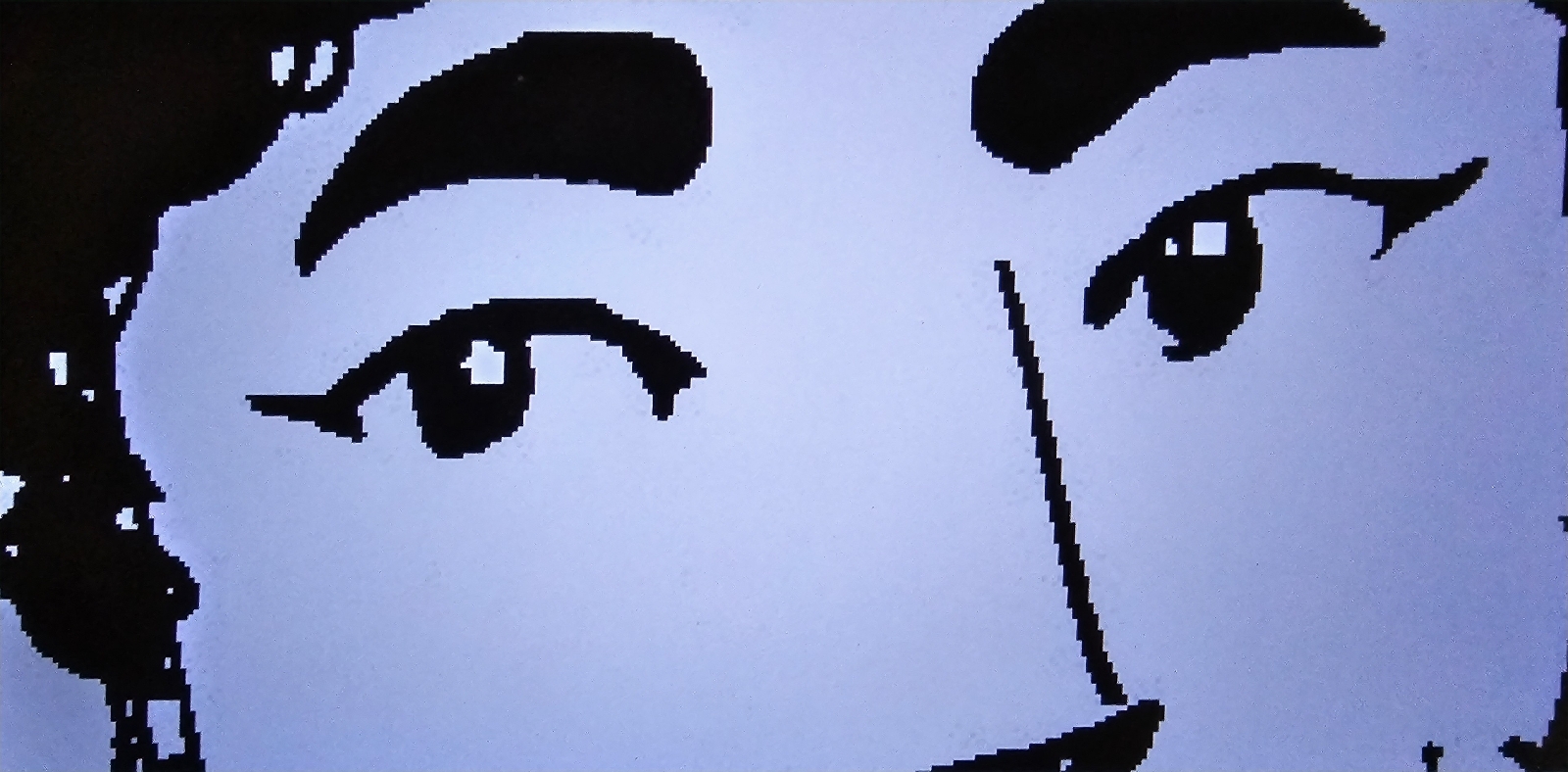
It looks like it's finally happening! After searching, researching, and testing out a number of art/artist and illustrator/cartooning software/apps, I may have found what I was looking for.
DISCLAIMER: I'm returning to digital art after being away from it for many, many years! And even back then, I could cheat. Not now and not with these new software. Sure, you can still cheat, but you need to actually know the software nowadays in order to do so. At least in my book.
I worked on my MLI (Male Love Interest) first. Black and brown skin is an intriguing mix of warm/cool, layering, and shade/tones.
I'm saying this to warn you not to take any digital art advice from me. I've been out of the loop for eons, and I need to get back in for me. I don't know enough to teach or advise.
Previous first and second tries made Peter's skin tone too patchy or murky. Now, I can add at least 2-3 layers of color for his skin tone. I'm still learning, so don't mind the streaks as this is still a practice sheet. I have the uncolored original backed up, so don't worry.
I used a Mouse! I have my tablet stylus but wanted to charge them both and, as I said, this is just practice and a test!
Yanina is my MC (Main Character), so I better get her right! Just because she has white skin doesn't mean her skin color won't require rules. As I said about Peter above, this is just the first layer of coloring.
I also wanted to get her hair, eye(s)(brows), and nose color right, and I did on the second try! This looks like the exact color I use for Yanina when I'm illustrating her with my marker sets!
Here are the ones I've tried (& they're all FREE except if I note otherwise):
Krita
SpeedyPainter
Medibang
IbisPaintX
Colorist
JUMP! Paint
Gravit Designer
Inkscape
Artweaver
GIMP
FireAlpaca
And never disparage Microsoft's Paint! The pre-installed program saved me for an assignment back in Computer Art and Ive given it props since!
MS Paint not only helped to remove the dots from my dot grid originals, but it gives a variety of stencils including word balloons/bubbles and offers the same list of typesets (font styles) that Word and other word processors offer.
So far, though Google Web Developer, it offers a number of copyright-free fonts and I picked and have my WinZipped folders all ready saved to folders when I get the chance.