Showing posts with label Bosto. Show all posts

Friday, April 21, 2023

I'm getting there...

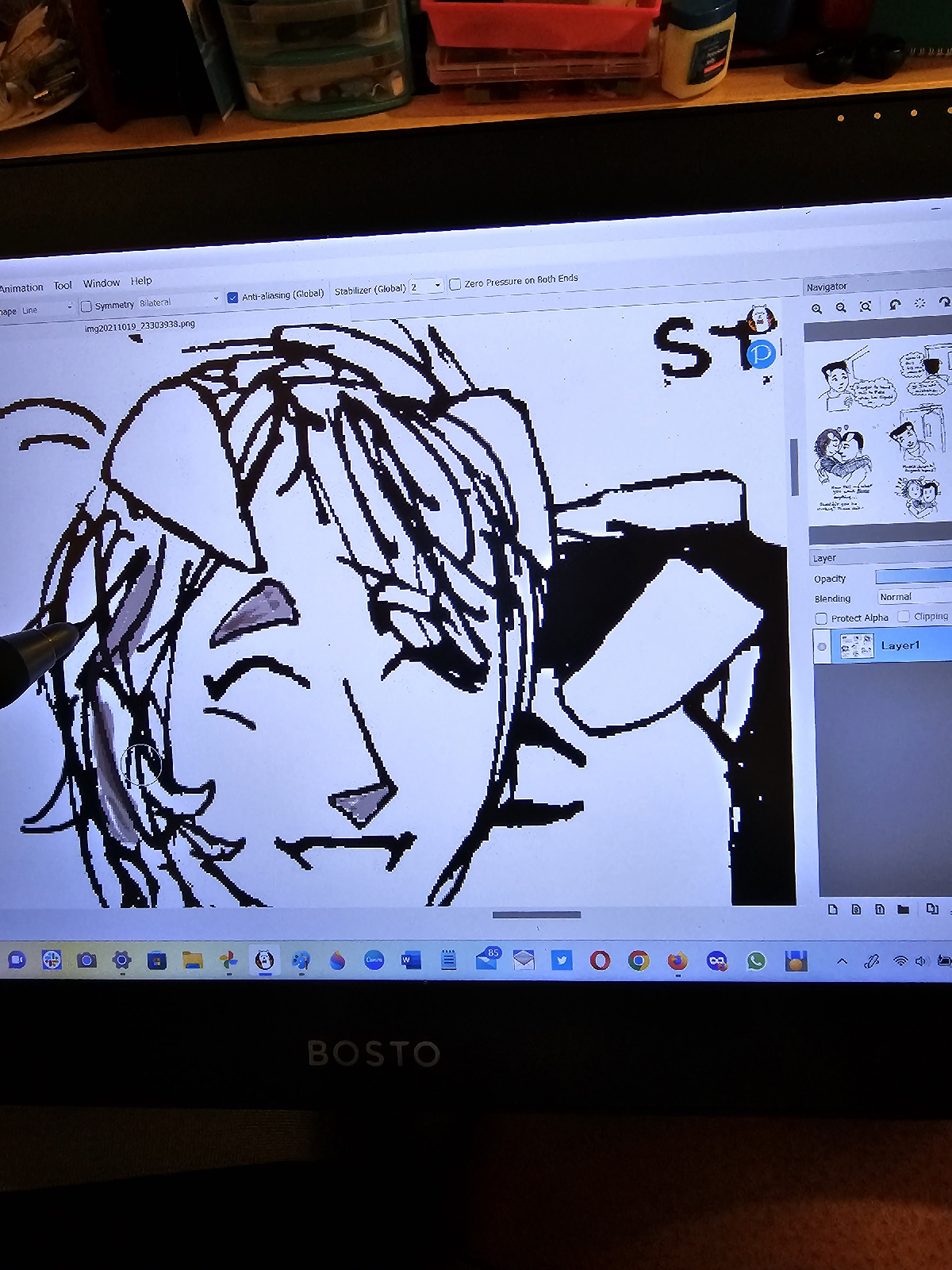
Been working on how to get my Bosto pen to work in FireAlpaca. The pen works fine in both Paint and Paint 3D but the strokes are off when I tried coloring in FireAlpaca, which is what I need it for. When I checked my laptop settings, I learned my Bosto Pen Display updated its own drivers and didn't need my help on that end. 
After much digging, YouTube viewing, and whatnot, finally found a TechShift article that explained you need to download the latest Wacom drivers. Those drivers, while from another company, helped calibrate with Bosto's pen since the display tablet updated itself. Sheesh! I'm really out of the loop!

Saturday, April 2, 2022

Select, Copy/Paste & Setting Or I'm Getting the Hang of This?

I'm learning how to select and make a character smaller in proportion to a larger character! 

In this scene when Yanina and Peter are on their first lunch date. 

Note I have some edit reminders in dark pink. Here is the original. 

 And on the right-hand, is Yanina made smaller. Peter should be bigger as he's a former college football player. But now that I've made him bigger from the neck up, he should also have bigger arms that match.


There you go, Peter with your bigger arms! And here I fixed Yanina's hands and made her hair a little fluffier in the next panel.

I also had back notes to keep my (speech and) thought bubbles separated, which I took care of.
 Here is the original page.


 Here's the original fourth panel. Also realized that Peter is out-of-proportion and he isn't even meant to be chibi(Means the super-deformed and cute version of a character in manga and anime)! At least not in this scene!

Remember I mentioned making Yanina smaller in proportion to Peter? Well, I needed to do so in the fourth panel on the right-hand bottom of the page. Yanina not only had to be smaller and lower, but she needed to move her chair back from the table as she's laughing at Peter's story. 
 Here I moved her AWAY after Selecting and Dragging her image. You'll notice it also cut Peter's thought bubble. I'll get back to that. Not only do I need to Select/Drag Yanina's image, I tidy my messy penwork and fix other issues with the character's appearance. Peter also gets a do-over! And I fix his goatee, making it sparse(actually part of my notes!) as he's just growing it out. He will sport stubble, sparse goatee, full goatee, and be clean-shaven throughout the series.

And here is the final page. Thanks for your patience, Dear Readers.


Tuesday, March 15, 2022

Social media in rough sketches

I can't believe I was panicking how to recreate my social media interfaces from rough sketch to digital piece. But once I played around with the templates just in MS Paint alone, it became easier. 
I didn't even plan on fixing the avatar, but once I got into fixing the social media buttons, the rest of the edits made sense!
And even though this is just 1st-stage digital work, if I can get this familiar, it won't be a problem later. Especially as I play around with later programs such as Medibang and Krita.
I actually erased the hashtag symbols and used lines from Paint templates. And then I erased my handwritten rectangles and ovals to use the templates... What a difference!

There will be more posts! And also updates to Handdrawnbycarmenjr on Insta! 
See you next time, dear readers!

Tuesday, March 8, 2022

The Speech Bubble Dilemma

I posted this on the Insta(handdrawnbycarmenjr) and decided to elaborate here on the blog. 

The following slides show me attempting shape and speech bubble templates. There will be more to talk about as I continue to work on this. 

This is before I created the line for the text bubble.

 
Yanina thinking: Is he flirting with me? Well, I'm just as bad.


The first slides show full panel while 2nd slides show zoom-in of MS Paint speech bubble template used
💬 🗨 🗯 💭

Here I created a line for a speech balloon within MS Paint


I won't be cleaning up the dialogue in the initial digital clean-up for TWO REASONS: I created my own soft of distinct to this comic. However, I will be using other graphic software speech bubble templates. More on that in the next post...

Tuesday, March 1, 2022

I Was Worried For Nothing...

 I am not trying to make light of my concerns when I began to digitizing my comic last week. 

What I mean is when I started to work on the comic in 2018, I did it manually- pencil first, ink after, blacks put in last - but I realized the story was slow-going , my formatting and my art style kept changing, and the narrative was all over the place... And then a light came on. I began working on the story as I did with my comics back in grade school. I simply did it in pen.

The dot grid pen drafts
And WOW, did the story begin to FLOW. Not just in sequence(though that remained haphazard), but in growing subplots, in narrative scope, and an unexpected benefit: a permanent art style began to solidify...

So what I worried about was since the original draft pages were in pen, how did I fix those? I thought and did trace a number of chapters in pencil. Yet, with the new tablet, erasing, correcting, and editing pen and clearing up what was also on dot grid paper(which I will forever use as it helps tighten my perspective and background/setting issues).

The same page on MS Paint


MS Paint retouch
Original dot grid pen draft


What a difference this Bosto tablet makes! My mom continuously tells me "Good things come to those that wait" and I feel this display tablet was made for me.

As somebody returning to digital art after so many years, and trying to do it the 'right way', which means I used digital art as a touch-up to my manually made artwork and illustrations. 

Now, I'm cleaning up paper and pen work, and will use other software for colors, shades, backgrounds, and settings.

Will continue to discuss my process on this blog and on Instagram: Handdrawnbycarmenjr 

Thank you again for sticking with me, dear readers!

Friday, February 25, 2022

My title cards can be refreshed!

Belatedly realized my title cards can be given new life tweaking them on my display tablet. Can make endless variations.

Sunday, February 20, 2022

I'm Back To Digital Art! Or, at least, trying to

Digital art was something I did for fun. Then when I attended community college majoring in Art, I took my first digital art course, known as Computer Art at the time. 

Yes, it was a pain. We were using Corel at the time. Years later, I upgraded to PhotoShop when it was its own company and still affordable. 

Once I got into an IT Baccalaureate 'accelerated program', I was still fudging around with PhotoShop, occasionally Illustrator and InDesign, to name a few. This was in keeping with my Web Design studies so I could better edit and improve my artwork to upload to my personal website.

Now, after being out-of-the-loop with digital art for several years, I've been studying and retraining myself. Start off with the easiest app and work my way up. MS(Microsoft) Paint. I've also found art, illustrator, and comic software/apps that were free and fully-featured or affordable enough that one did not need a subscription. 
Caption: 3 characters. Cleaning up and redrawing as well so extra strokes in MS Paint.

I'll speak about those other softwares in the next post.

Especially a display tablet of this size: 15.6 inches. Bosto has a variety tablets: regular[opaque gray/black] to display[with its own screen]. 
Caption: My hand wearing my drawing glove with tablet pen

I prefer the display type, like what animators and other digital artists use, as I learn better with visual aids. I'm using my Bosto Tablet(16HD) to clean up and erase/correct my original pen work.  

NOTE: If any of my fellow artists are shopping around for an affordable display tablet, Bosto is an option. Because of supply chain disruptions, I gifted myself two display tablets from the Walmart app. It's important to shop around on Walmart and other stores online. If you see the Bosto below at least $100, it is NOT THE DISPLAY but the regular Bosto tablet.

I Hit the Big 5-0

Can't believe I, God Willing, will be reaching half a century. That's wild.  With all my chronic sicknesses, disorders, and allergie...